3-5x Faster than PasteNow & Paste

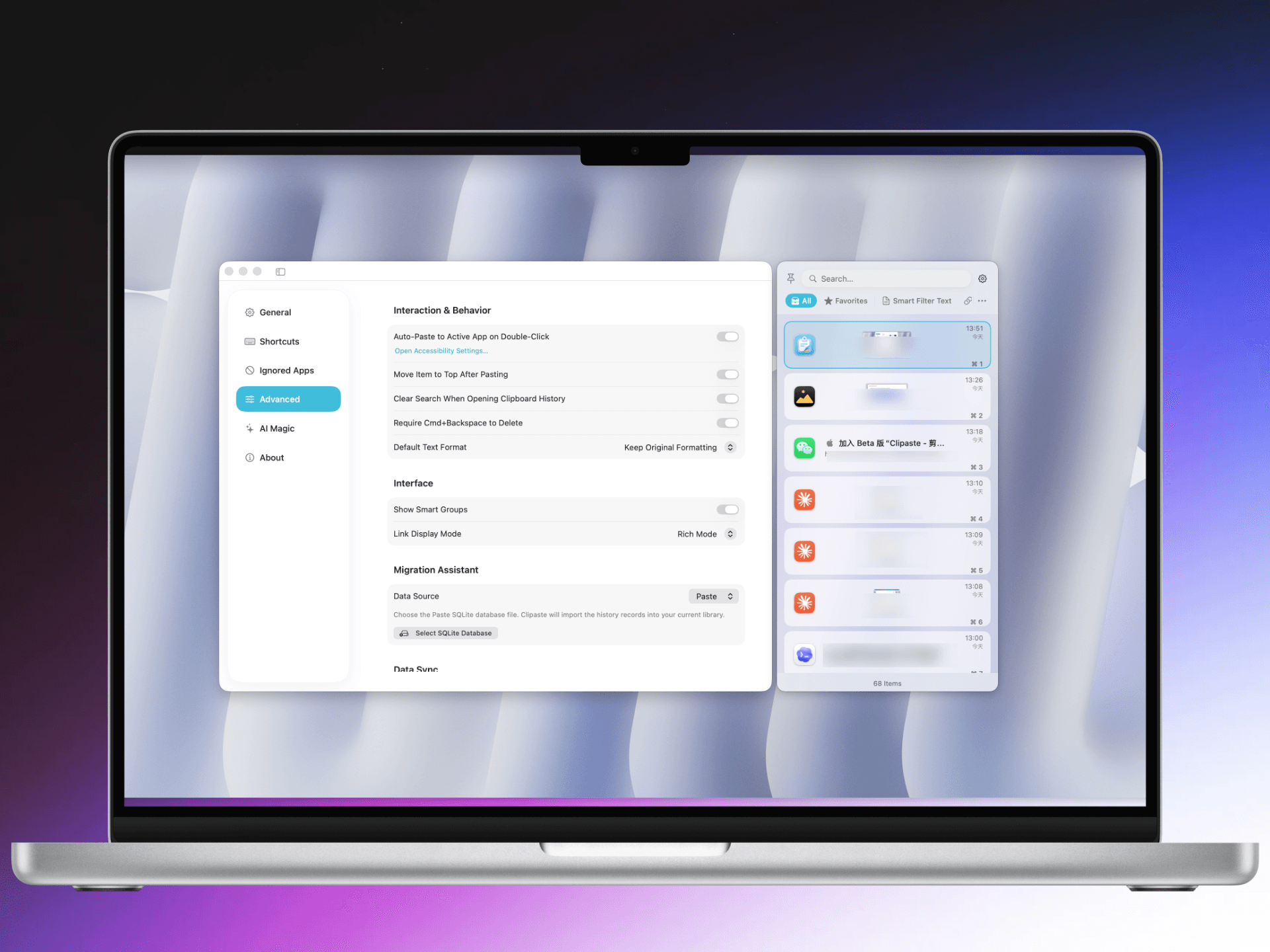
The ultimate clipboard manager with unparalleled performance. Outperforms PasteNow and Paste by a significant margin. Switch between landscape and portrait modes effortlessly. The clear choice for Mac power users.

UserUserUserUserUser

1000+ Trusted by millions

Why Clipaste Wins?

🚀 3-5x Faster Than Competitors

Our benchmark tests show Clipaste is 3-5x faster than PasteNow and Paste. Lightning-fast clipboard access with minimal latency.

横版竖版无缝切换

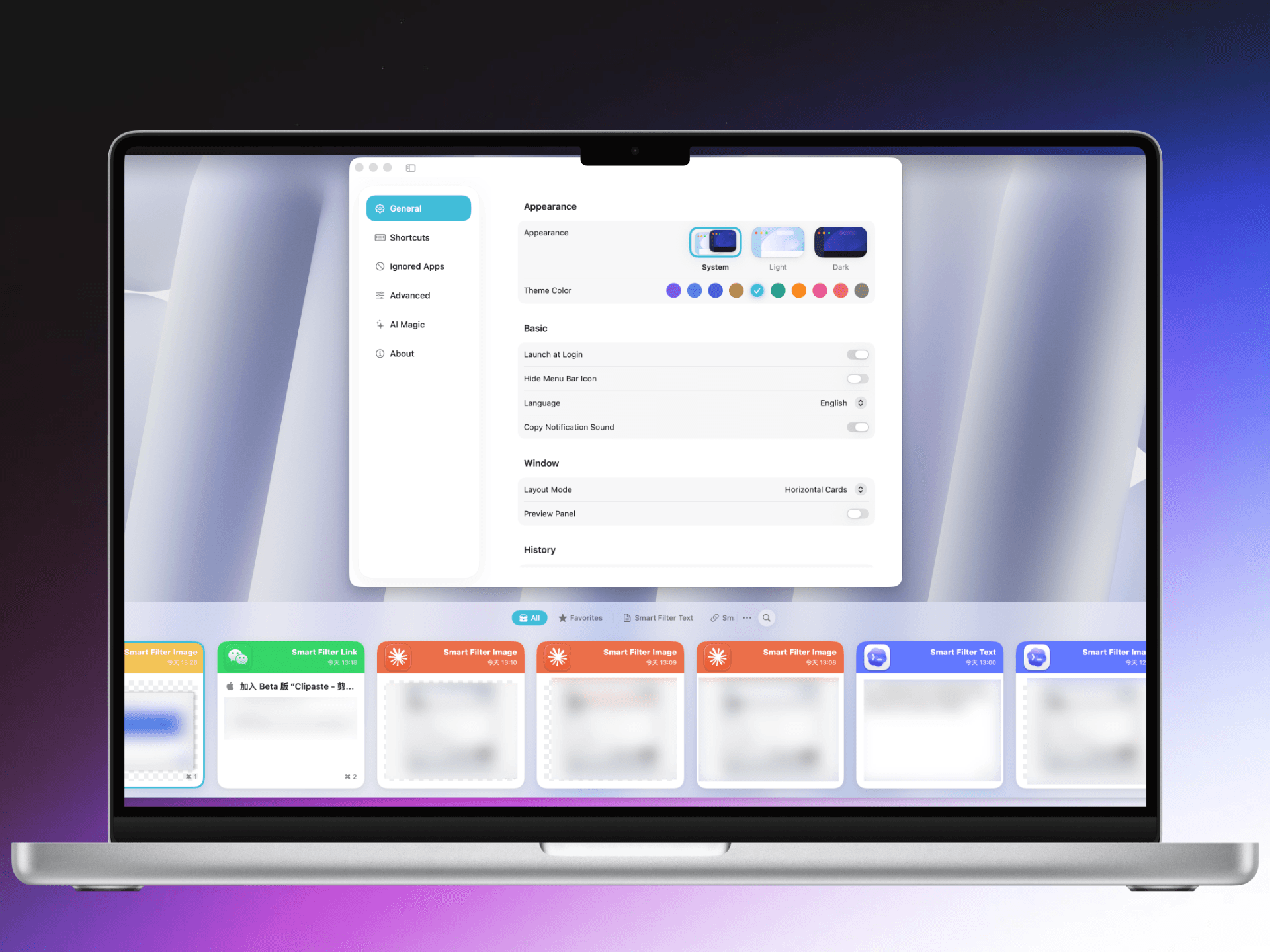
Seamlessly switch between landscape and portrait modes. Perfect for any workflow and screen orientation.

智能历史记录

Intelligent clipboard history that learns from your usage patterns. Never lose important content again.

云端同步

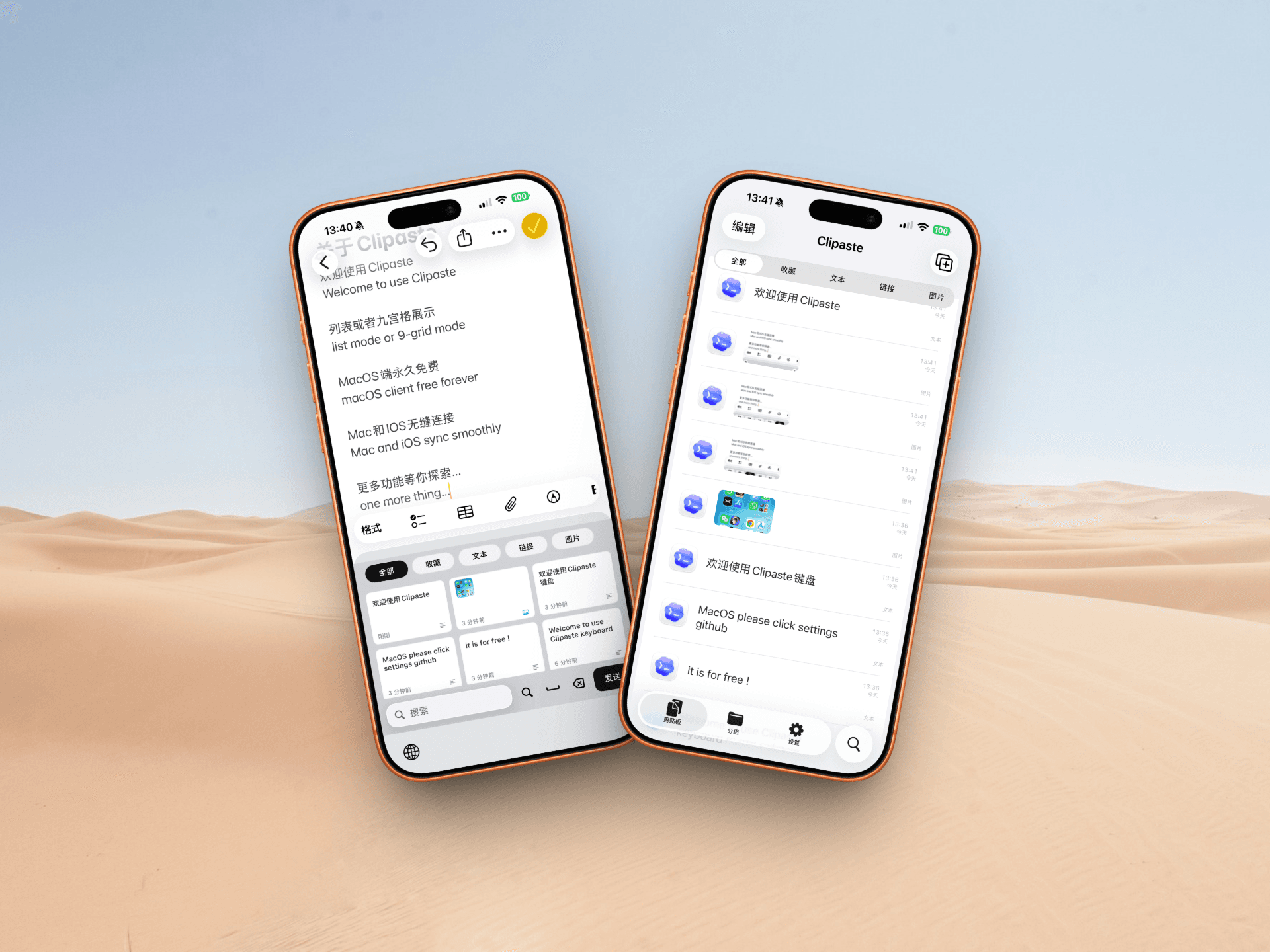
Sync your clipboard across all your devices. Access your clipboard history anywhere, anytime.

隐私优先

Your data stays on your device. Optional cloud sync with end-to-end encryption.

一次付费终身使用

One-time payment, no subscription. Compare to Paste's $29.99/year. Pay less, get more.

Pricing

One-time payment, lifetime use

No subscriptions. Compare to Paste's $29.99/year. Clipaste: one payment, yours forever.

Trial

Try Clipaste free for 7 days. Experience the 3-5x faster performance.

Free

  • 7-day free trial

  • Full features access

  • No credit card required

  • Mac only

Lifetime

One-time payment. No monthly fees like Paste ($29.99/year).

$19

  • One-time payment

  • Lifetime updates

  • All future features

  • Priority support

  • Save $70+ vs annual

  • Mac only

Testimonials

If you love Clipaste, let us know, and we'll showcase your testimonial here.

maker

设计师小王

@designer_wang

Clipaste 彻底改变了我的工作流程!复制粘贴从未如此流畅,横版竖版切换太方便了。强烈推荐!

maker

开发者李明

@dev_liming

作为一个开发者,我测试过很多剪贴板工具。Clipaste 的性能确实是最棒的,响应速度比 PasteNow 快太多了。

maker

产品经理张姐

@pm_zhang

每天要处理大量文本和图片,Clipaste 的智能历史记录功能帮我省了很多时间。横竖屏切换也很实用!

maker

自媒体人小陈

@creator_chen

maker

设计师阿花

@designer_ahua

Clipaste 的界面简洁美观,性能超级棒!和其他同类产品相比,响应速度和稳定性都更胜一筹。

FAQs

Here are some of the most common questions.

Clipaste is a revolutionary clipboard manager designed specifically for Mac users who demand the highest performance. Unlike traditional clipboard tools like PasteNow and Paste, Clipaste is built from the ground up with a focus on speed, efficiency, and reliability. Whether you're a designer copying images, a developer copying code snippets, or a writer collecting research materials, Clipaste handles everything with lightning-fast speed. It supports all types of content including text, images, files, links, and more. With our innovative architecture, Clipaste delivers unprecedented performance that outperforms both PasteNow and Paste by a significant margin. Experience the difference of a truly optimized clipboard manager.

Clipaste achieves its superior performance through several innovative approaches: • Optimized Data Structures: We use custom-built data structures specifically designed for clipboard operations, reducing access time from milliseconds to microseconds. • Advanced Caching: Our intelligent caching system preloads frequently used items while you're still using the current one, eliminating wait times entirely. • Memory Optimization: Unlike competitors that load entire histories at once, Clipaste uses lazy loading and pagination to keep memory usage minimal while maintaining instant access. • Native Performance: Built with native Mac APIs for maximum efficiency, avoiding the overhead of cross-platform frameworks. Our benchmark tests show Clipaste is 3-5x faster than PasteNow and Paste in real-world usage scenarios.

Absolutely! Clipaste features seamless landscape and portrait mode switching that adapts perfectly to your workflow. The app automatically detects your monitor orientation and adjusts its interface accordingly. You can also manually toggle between modes with a simple keyboard shortcut or menu option. Whether you're using a horizontal monitor setup for code development, a vertical monitor for reading documents, or switching between multiple displays, Clipaste maintains optimal usability in every orientation. This flexibility makes it perfect for professionals who work with different monitor configurations throughout their day.

Security is our top priority at Clipaste. We've implemented multiple layers of protection to keep your data safe: • Local-First Storage: By default, all your clipboard history is stored locally on your device. Your data never leaves your Mac unless you explicitly enable cloud sync. • End-to-End Encryption: When you do choose to use cloud sync, all data is encrypted before leaving your device. Only you can decrypt your clipboard history. • Privacy-First Design: We don't collect any analytics or telemetry from your clipboard content. What you copy stays private. • Secure Memory Handling: Sensitive data is handled with special care, with options to automatically clear sensitive items after a configurable period. • Optional Password Protection: Add an extra layer of security with optional app-level password protection.

No, Clipaste uses a simple one-time purchase model with no recurring fees. When you buy Clipaste, you get: • Lifetime access to all current features • Free updates forever (including major version upgrades) • Priority customer support • All future features we'll add We believe in honest, upfront pricing. No hidden fees, no subscription fatigue, no unexpected charges. Pay once, use forever.

Getting started with Clipaste is simple: 1. Download: Get Clipaste from our official website or the Mac App Store 2. Install: Drag Clipaste to your Applications folder and launch it 3. Grant Permissions: Clipaste will request necessary permissions for clipboard access 4. Start Using: That's it! Clipaste starts working immediately No complex setup, no configuration required. Clipaste works right out of the box with sensible defaults. Optional: Customize keyboard shortcuts, enable cloud sync, or adjust settings to match your preferences.

Yes! Clipaste offers powerful cloud sync functionality to keep your clipboard history synchronized across all your Mac devices. With cloud sync, you can: • Copy on your MacBook, paste on your iMac • Access your clipboard history on any Mac you own • Keep multiple devices in perfect sync automatically The sync is secure and fast: • End-to-end encryption keeps your data private • Changes sync within seconds • Works over any internet connection Cloud sync is optional and can be enabled or disabled at any time. Your local clipboard history remains intact even when sync is turned off.

Yes! We offer a free 7-day trial so you can experience Clipaste's performance benefits yourself. During your trial, you'll have full access to all features: • Complete clipboard history management • Landscape/portrait mode switching • All premium features • Cloud sync (with limited storage) No credit card required to start your trial. Simply download Clipaste and begin experiencing the difference. After the trial, if you decide Clipaste isn't the right tool for you, that's okay. But we're confident once you try Clipaste, you'll never want to go back to other clipboard tools.

Download Clipaste Now

3-5x faster than PasteNow. One payment, lifetime use.